img(height="1" width="1" style="display:none" src="https://www.facebook.com/tr?id=622989234828158&ev=PageView&noscript=1") A Book Creator: Publishing Resources Publishing Resources for KDP Books, PDFs, Covers, and Descriptions

Publishing Resources

Prepare your books for KDP, Etsy, Teachers Pay Teachers, and printable products with practical publishing helpers.

Use these resources to create book descriptions, build KDP cover and page guides, calculate pricing, merge PDFs, add background images, and convert PDFs to PowerPoint.

Sample publishing resource tools for KDP and PDFs

At A Book Creator, we're committed to providing you with all the resources you need for a successful book creation journey. Beyond our creation tools, we offer a range of additional resources designed to streamline your process and enhance your final product.

Our AI Book Description Generator uses advanced algorithms to craft compelling descriptions for your books, saving you time and helping to attract more buyers. With our Add Background Image to PDF feature, you can easily customize the look of your books. Our Convert PDF to PowerPoint tool allows you to repurpose your content for other formats.

Our KDP Cover Guides, KDP Pricing Calculator, and KDP Page Guides are invaluable resources for anyone publishing on Amazon KDP. And with our Merge PDFs feature, you can easily combine multiple PDFs into one, simplifying your workflow and making your book creation process more efficient.

Explore these and other resources today and discover how A Book Creator can support you in your book creation journey
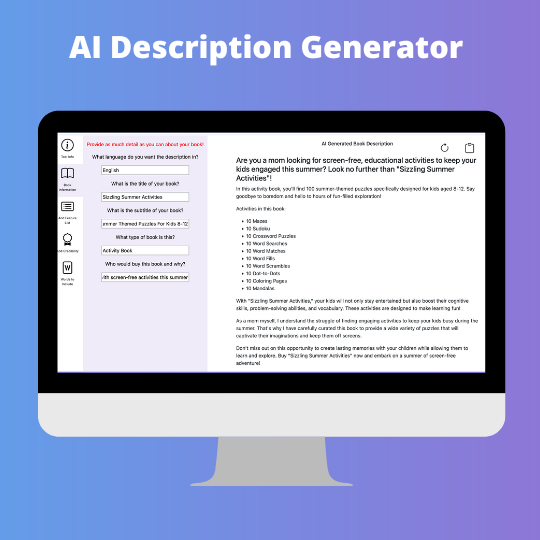
AI Book Description Generator

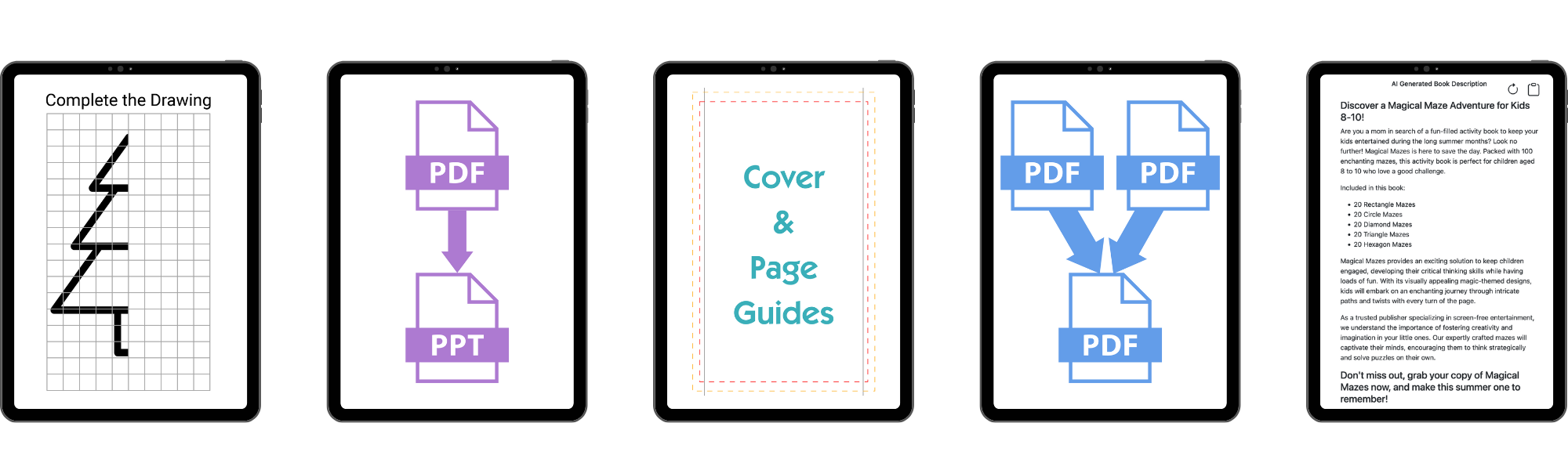
Harness the power of AI to help you generate a great description for your low content book. The more specific you can be about your book, the better the description will be.

Features:

  • Create a description for your book
  • Option to add a bullet list containing features of your book
  • Option to add information on why you are an expert
  • Option to specify keywords to be included in the description

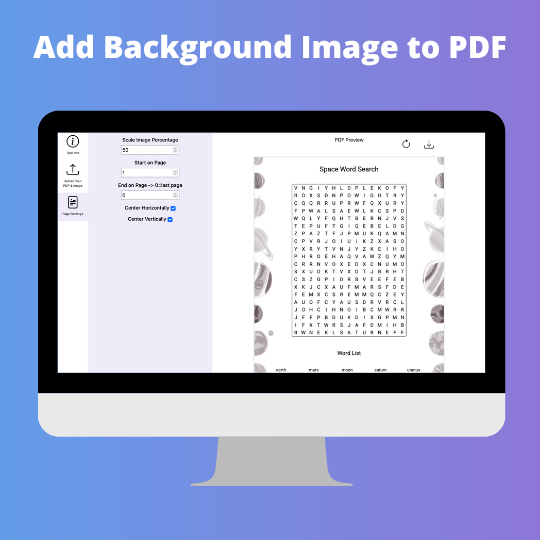
Add Background Image to PDF Tool

The Add Background Image to PDF Tool gives you the ability to add a background image to your PDF. The image must be either a png or jpg. This tool requires a transparent PDF for the background image to be visible. All PDFs generated by A Book Creator's tools are transparent.

Features:

  • Scale the image
  • Set where on the page you would like the image to appear
  • Set page to start adding image
  • Set page to stop adding image

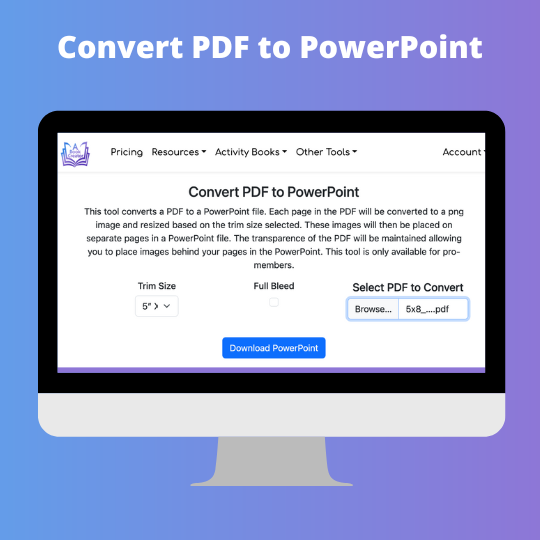
Convert PDF to PowerPoint

This tool converts your PDF to a PowerPoint file.

Features:

  • Select trim size for PowerPoint file
  • Each page in the PDF is converted to a transparent png image
  • Each image is placed on separate pages in a PowerPoint file
  • The transparence of the PDF will be maintained allowing you to place images behind your pages in the PowerPoint

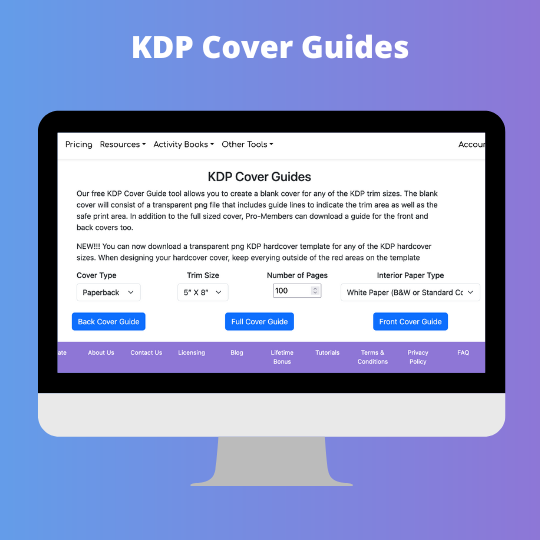
KDP Cover Guides

Our KDP Cover Guide tool allows you to create a blank cover for any of the KDP trim sizes.

Features:

  • Cover guide is a transparent png file
  • Cover guide includes guideline to indicate the trim area and safe print area.
  • Download a full sized cover guide, a front cover guide, and/or a back cover guide.
  • Select between a paperback cover and hardback cover

KDP Pricing Calculator

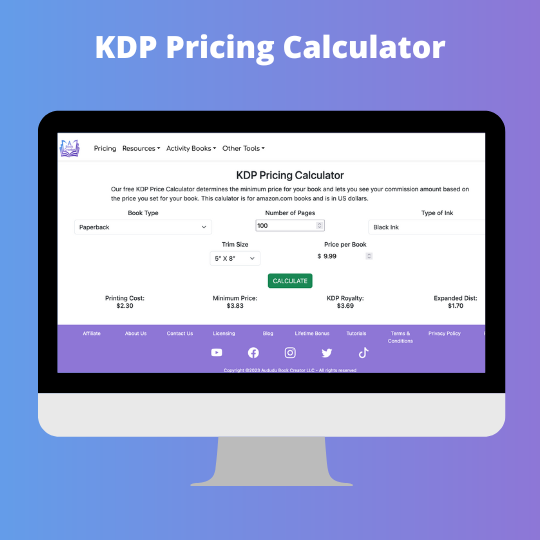
Our KDP Price Calculator determines the minimum price for your book and lets you see your commission amount based on the price you set for your book. This calulator is for amazon.com books and is in US dollars.

Features:

  • Select between hardback cover and paperback book types
  • Select trim size for your book
  • Select ink type for your book
  • Select number of pages for your book

KDP Page Guides

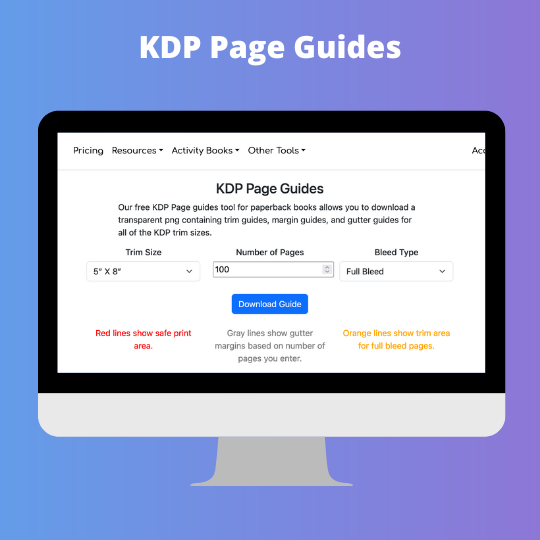
Our KDP Cover Guide tool allows you to create a blank page for any of the KDP trim sizes.

Features:

  • Page guide is a transparent png file
  • Page guide includes trim guides, margin guides, and gutter guides.

PDF Merge Tool

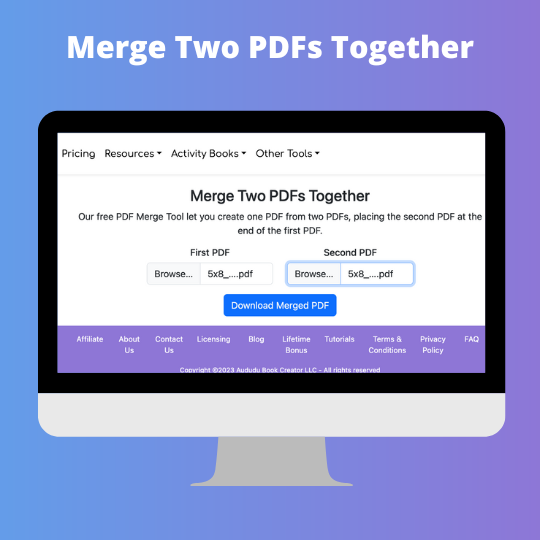
Our PDF Merge Tool let you create one PDF from two PDFs, placing the second PDF at the end of the first PDF.

Features:

  • Upload first PDF to include in new PDF
  • Upload second PDF to include in new PDF

Start Your 3 Day Free Trial Now!

Copyright ©2026 Aududu Book Creator LLC - All rights reserved