img(height="1" width="1" style="display:none" src="https://www.facebook.com/tr?id=622989234828158&ev=PageView&noscript=1") A Book Creator: Journal, Planner, Cover, and Book Creation Tools Book Creation Tools for Journals, Planners, Covers, and Logbooks

Journal, Planner, Cover, and Book Creation Tools

Build custom book interiors and covers for KDP, Etsy, Teachers Pay Teachers, and printable products.

Use these tools to create lined journals, dot grid pages, graph paper, planners, ledgers, cover guides, custom interiors, and reusable low content book designs.

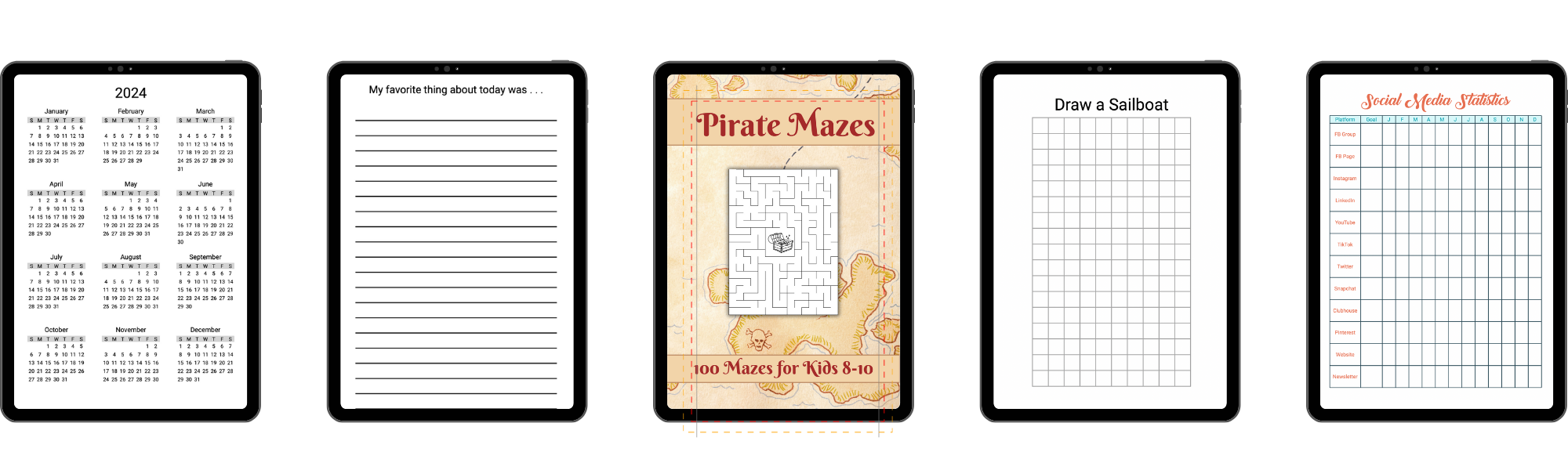
Sample journal, planner, cover, and book creation pages

Bring your vision to life with our comprehensive suite of book creation tools. Whether you're creating a planner, journal, ledger, or a custom book, our tools make the process easy and enjoyable.

With our Custom Journal Tool, Dot Grid Journal Tool, Graph Paper Tool, Journal Builder, LCB Designer, Ledger Tool, Lined Journal Tool, and Planner Creator Tool, you have everything you need to create unique, high-quality books. Our cover creator tools makes it easy to design professional, eye-catching covers that will attract readers and set your books apart

Each tool offers a range of customization options, giving you complete control over the look and feel of your books. Plus, with the ability to upload custom fonts and files, you can create books that truly stand out.

Start creating your unique books today with A Book Creator's book creation tools.
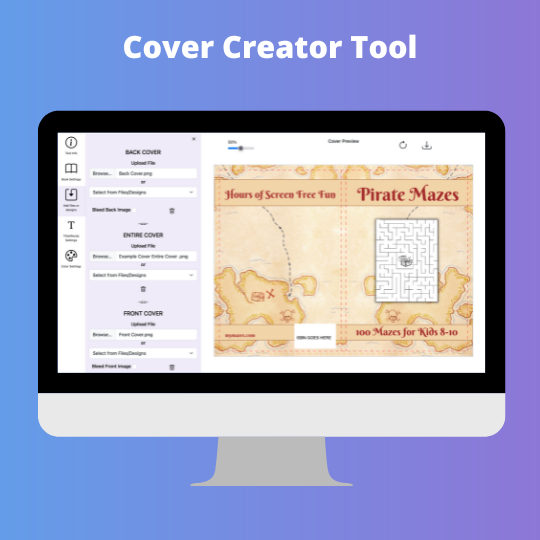
Cover Creator Tool

The cover creator tool allows you to create paperback and hardback covers for all of the KDP trim sizes. The cover size is automatically determined based on the page numbers, trim size, and paper type. Your uploaded image is automatically sized to fit on your cover based on whether or not you selected to bleed the image.

Features:

  • Select a background cover for your cover
  • Upload an image for the front cover, back cover, and/or, entire cover
  • Select to bleed upladed images
  • Add text to the spine
  • Select font, font size, and color for the spine text

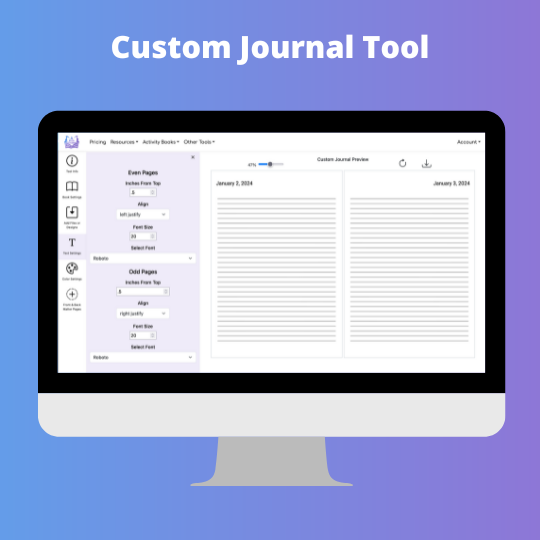
Custom Journal Tool

The Custom Journal Tool gives you the ability to customize pages you created with A Book Creator's tool or another software site.

    Features:
  • Upload one or two pages to use for your journal.
  • Ability to use files or designs you have saved in your account
  • Option to add sequential dates to your pages to create a planner
  • Select format for dates on your pages
  • Option to add prompts to your pages
  • Specify location and format for dates or prompts added to pages
  • Select font, font size, and color for all text

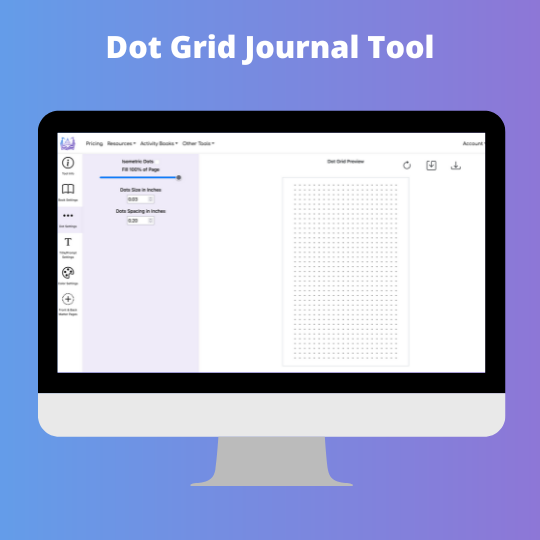
Dot Grid Tool

The Dot Grid Paper tool gives you the ability to create an almost unlimited variety of dot based pages.

Features:

  • Choose between a grid or isometric dot pages
  • Set the size of the dots
  • Set the spacing between the dots
  • Set the color of the dots
  • Select portion of page to fill with dots
  • Add a title or prompts to the top of each page
  • Select font, font size and color for all text

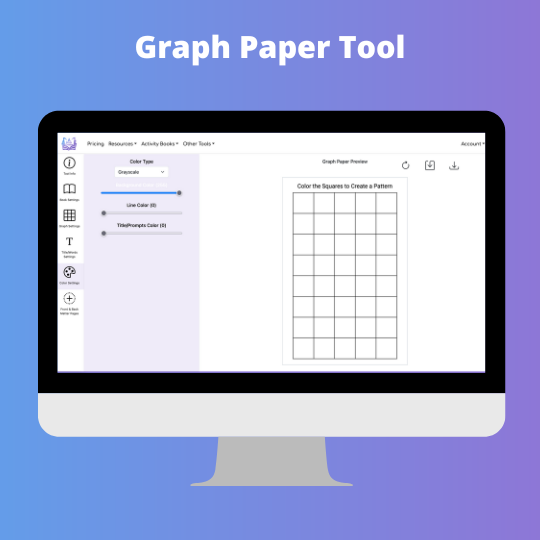
Graph Paper Tool

The Graph Paper Tool gives you the ability to create pages with square grids. Graph paper, also known as: coordinate paper, grid paper, quadrille paper, math paper, or squared paper, is writing paper that is printed with fine lines making up a regular grid of squares.

Features:

  • Set the size of the square grids
  • Set the thickness of the lines
  • Set the color of the lines
  • Select portion of page to fill square grid
  • Add a title or prompts to the top of each page
  • Select font, font size and color for all text

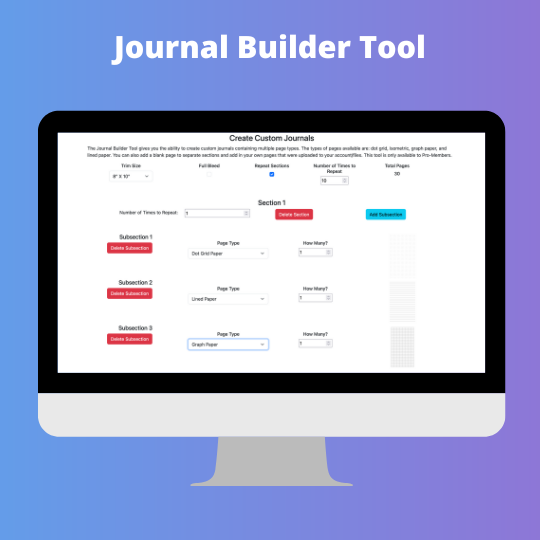
Journal Builder Tool

The Journal Builder Tool gives you the ability to create custom journals containing multiple page types.

Features:

  • Include dot grid, isometric, graph paper, and/or lined paper in your journal
  • Include files you have uploaded to your files
  • Include designs created in the LCB designer in your journal
  • Add blank pages in your journal
  • Select number of times to repeat sections in your journal
  • Include subsections and determine how often to repeat them in your journal

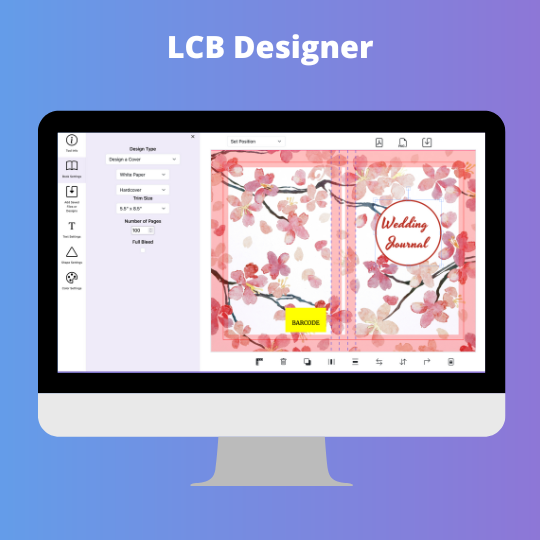
LCB Designer

The LCB Designer gives you the ability to create customized interior pages and covers for your low content books. Templates for "This Journal Belongs To" type pages, a copyright pages, title pages, back covers, and how to use this journal pages are provided for you.

Features:

  • Create a page or cover
  • Create hardback or paperback cover
  • Add text to your design
  • Add shapes to your design
  • Add lines to your design
  • Select font, font size and color for all text
  • Save design to edit later or use in our other tools

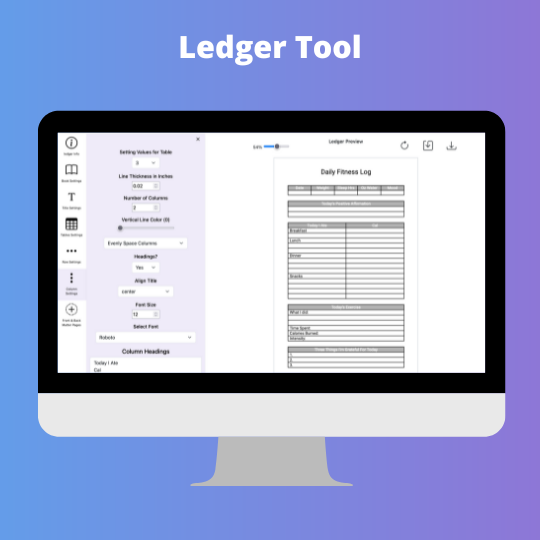
Ledger Tool

The Ledger tool gives you the ability to create pages with horizontal lines, vertical lines and any combination of the two you can think up.

Features:

  • Include horizontal and/or vertical lines
  • Set the size of the lines
  • Set the spacing between the lines
  • Set the color of the lines
  • Select portion of page to fill with lines
  • Add a title or prompts to the top of each page
  • Select font, font size and color for all text

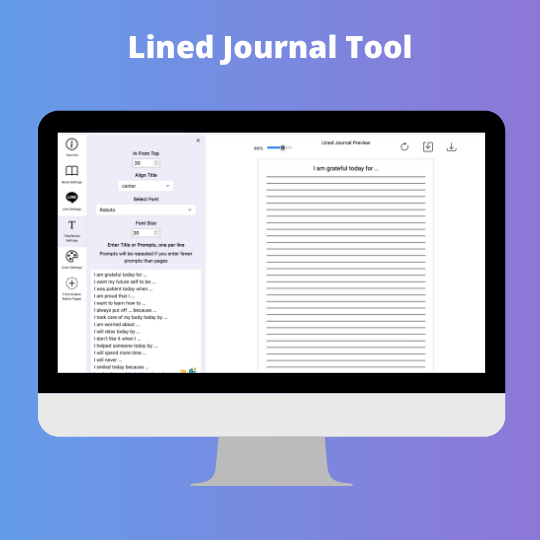
Lined Journal Tool

The Lined Journal tool gives you the ability to create pages with horizontal lines, vertical lines and any combination of the two you can think up.

    Features:
  • Include horizontal and/or vertical lines
  • Set the size of the lines
  • Set the spacing between the lines
  • Set the color of the lines
  • Select portion of page to fill with lines
  • Add a title or prompts to the top of each page
  • Select font, font size and color for all text

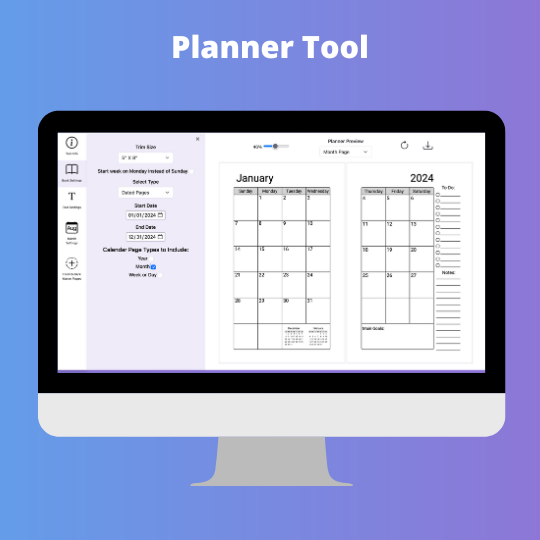
Planner Tool

The Planner Tool gives you the ability to create a planner books with yearly, monthly, weekly, and/or daily pages.

Features:

  • Select between dated or undated pages
  • Choose between yearly, monthly, weekly, and/or daily pages
  • Ability to include holidays on your dated pages
  • Select between one or two page format for monthly or weekly pages
  • Option to create interactive PDF for Kindle Scribe
  • Select between one or two letters for months in yearly pages
  • Select between two or three letters for days of the week in monly pages
  • Select between month/day and day/month format for daily and weekly pages
  • Select between Monday or Sunday for the first day of the week
  • Add images to your planner pages
  • Customize the language used for months and days of the week
  • Select font for the text in your planner pages

Copyright ©2026 Aududu Book Creator LLC - All rights reserved