img(height="1" width="1" style="display:none" src="https://www.facebook.com/tr?id=622989234828158&ev=PageView&noscript=1") A Book Creator: Activity Book Tools Activity Book Tools for KDP, Etsy, TPT, and Kindle Scribe

Activity Book Tools

Create puzzle pages, games, coloring pages, mazes, word activities, and interactive PDFs for KDP, Etsy, Teachers Pay Teachers, Kindle Scribe, and printable products.

Use the tools below to build activity book interiors with custom titles, fonts, colors, page layouts, answer pages, and commercial-use downloads.

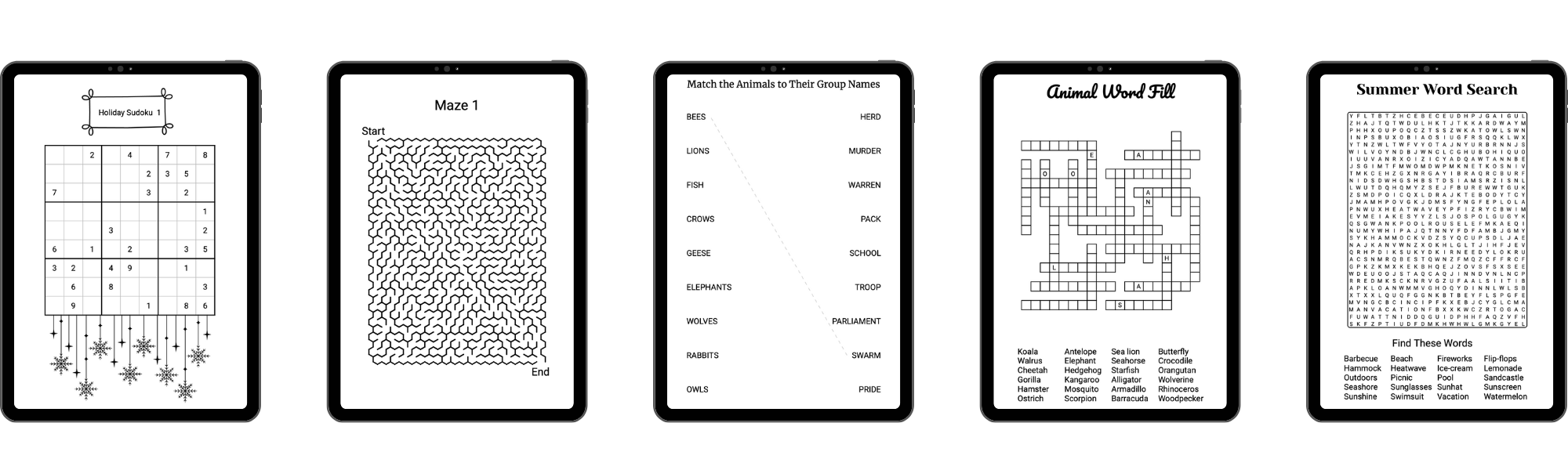
Sample activity book and puzzle pages

Creating engaging activity books has never been easier with A Book Creator's suite of tools. From puzzles to games, our tools allow you to create a wide range of activities that will keep readers entertained for hours.

Our tools include the Bingo Game Tool, Codewords Puzzle Tool, Crossword Puzzle Tool, Cryptogram Tool, Dot-to-Dot Tools, Drop Quote Tool, Game Book Tool, Geometric Coloring Page Tool, Mandala Tool, Maze Puzzle Tool, Sudoku, Letter Sudoku, Color Sudoku, and Wordoku Puzzle Tool, Kakurasu Tool, Word Grid, Word Ladder Tool, Word and Number Fill Puzzle Tools, Word Scramble Puzzle Tool, Word and Number Search Puzzle Tool, Word and Number Snake Puzzle Tool, and Word Match Puzzle Tool.

Each tool is designed to be easy to use, yet powerful, giving you the ability to create a wide range of puzzles and games. Plus, with our upcoming AI enhancements, creating engaging puzzles will be even easier and faster.

Start creating engaging activity books today with A Book Creator's activity book tools.
Start Your 3 Day Free Trial Now!

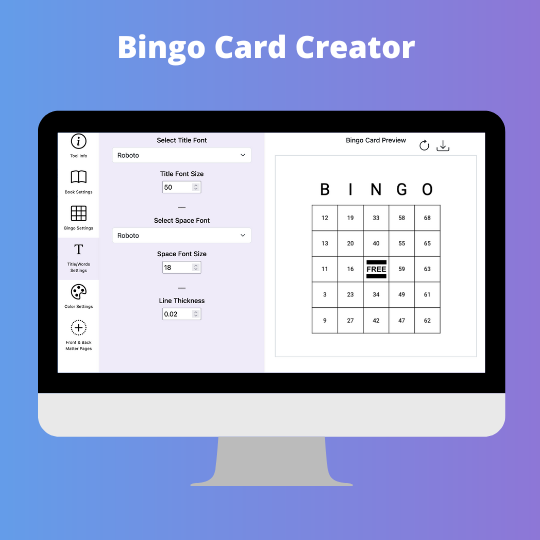
Bingo Card Tool

The Bingo Card Tool gives you the ability to create bingo cards with either numbers or words.

Features:

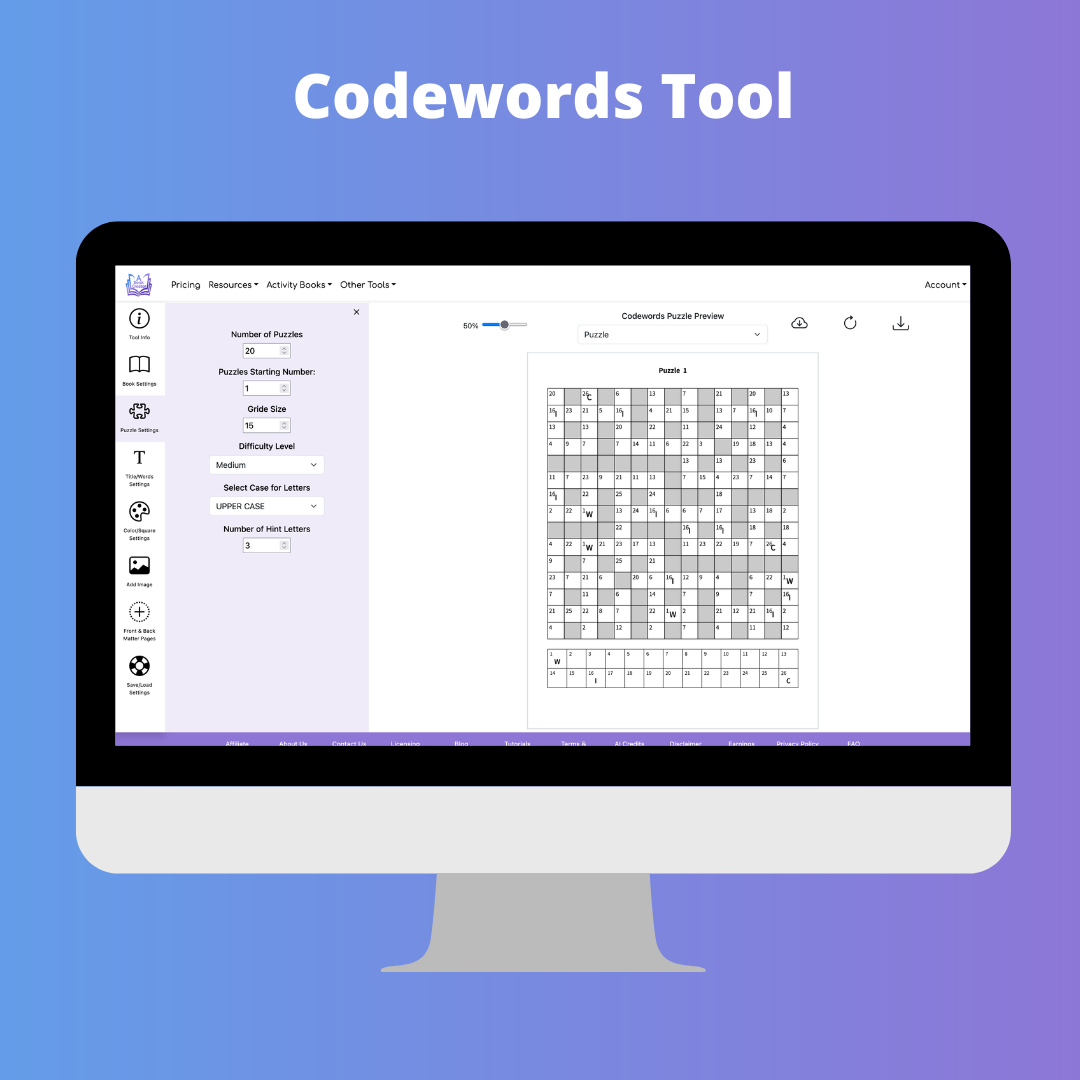
Codewords Puzzle Tool

The Codewords Puzzle Tool gives you the ability to create codewords puzzle books.

Features:

  • Create codewords puzzles from our word frequency database
  • Choose puzzle difficulty level
  • Select grid size
  • Choose the number of hint letters to show
  • Select upper or lower case for puzzle letters
  • Choose between 1, 2, or 4 puzzles per answer page
  • Select font, font size, and color for all text
  • Option to create interactive PDF for Kindle Scribe
  • Save and load settings

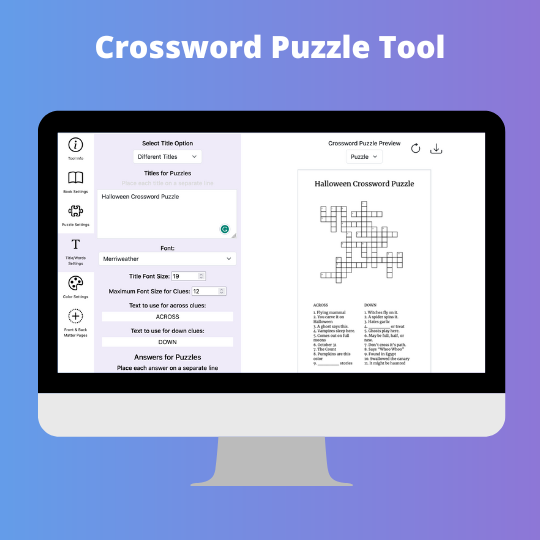
Crossword Puzzle Tool

The Crossword Puzzle Creator Tool gives you the ability to create crossword puzzle books.

Features:

  • Select the maximum number of letters across and down
  • Set the number of columns for the word list
  • Select the color for the blank squares in the puzzle area
  • Option to have AI generate words for each puzzle
  • Option to included numbers in answers to create cross-number type puzzles
  • Select the text to use above the across and down clues
  • Choose between 1, 2, or 4 puzzles per answer page
  • Select font and font size for all text
  • Specify title for puzzles
  • Select percentage of page to use for puzzle
  • Option to create interactive PDF for Kindle Scribe
  • Save and load settings
  • Select number starting number for puzzles

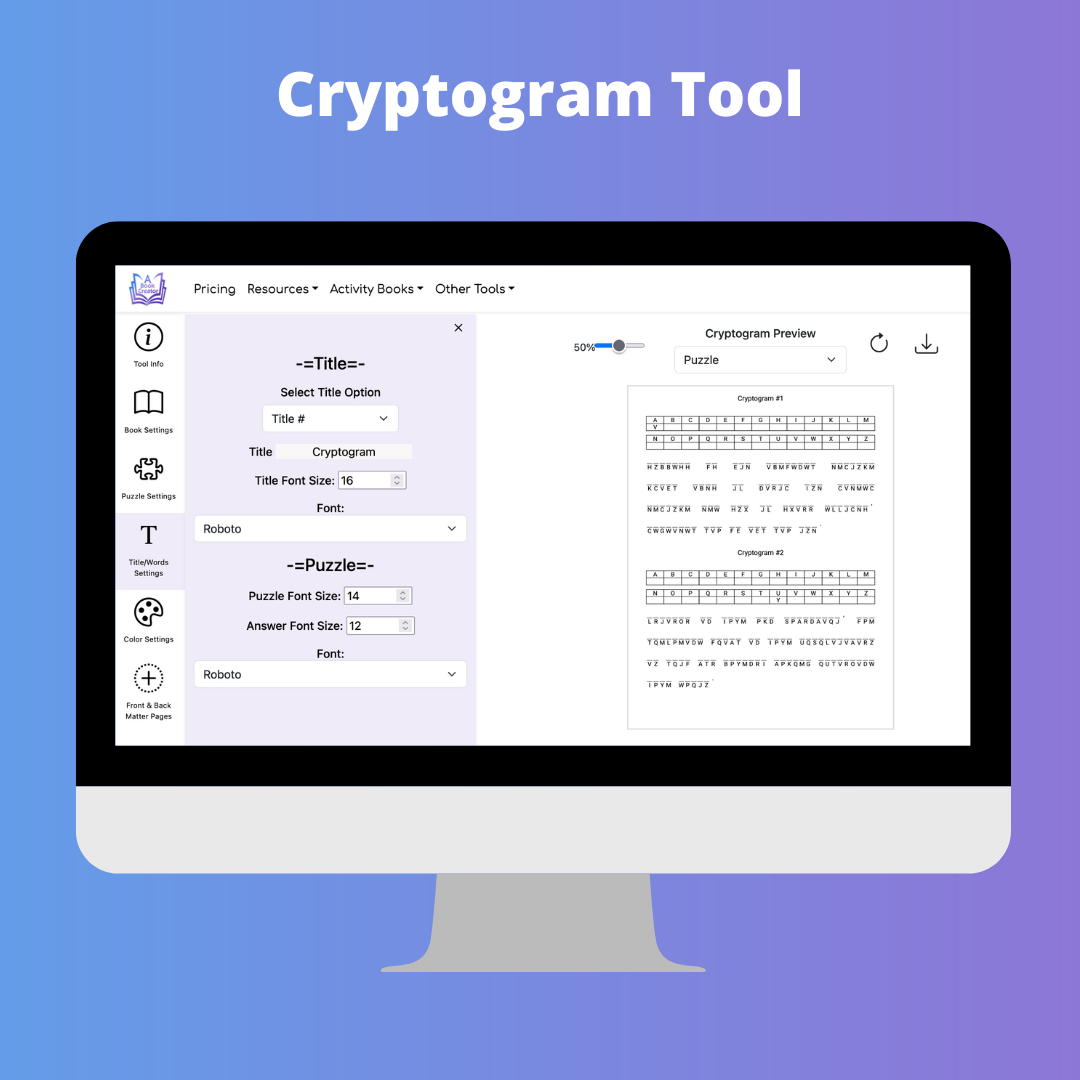
Cryptogram Puzzle Tool

The Cryptogram gives you the ability to create cryptogram puzzle books.

Features:

  • Set the title for each puzzle
  • Enter the phrases for each puzzle
  • Option to have answer key on puzzle page
  • Choose between 1, 2, or 3 lines for answer key
  • Option to use lines or boxes for puzzle
  • Select between numbers and letters for cypher
  • Choose between 1, 2, 3 or 4 puzzles per answer page
  • Option to create interactive PDF for Kindle Scribe
  • Ability to create puzzles in other languages
  • Save and load settings
  • Select font, font size, and color for all text

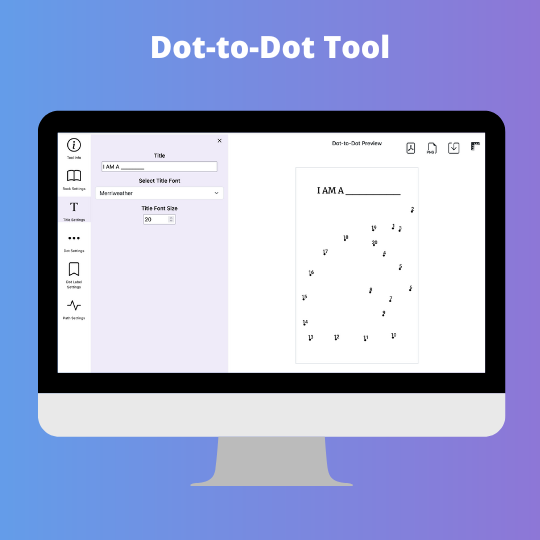
Dot-to-Dot Tool

The Dot-to-Dot Tool creates a Dot-to-Dot puzle from your Image

Features:

  • Create a dot-to-dot page from your jpg or png image file
  • Select the number of dots for the puzzle
  • Add a title for each puzzle
  • Move dots around in the puzzle
  • Set the size for the dots
  • Select between numbers and letters for dot labels
  • Option to use skip counting for dot labels
  • Option to selelect starting number/letter for dot lables
  • Adjust the size and placement of the dot-to-dot puzzle on the page
  • Select font, font size, and color for all text

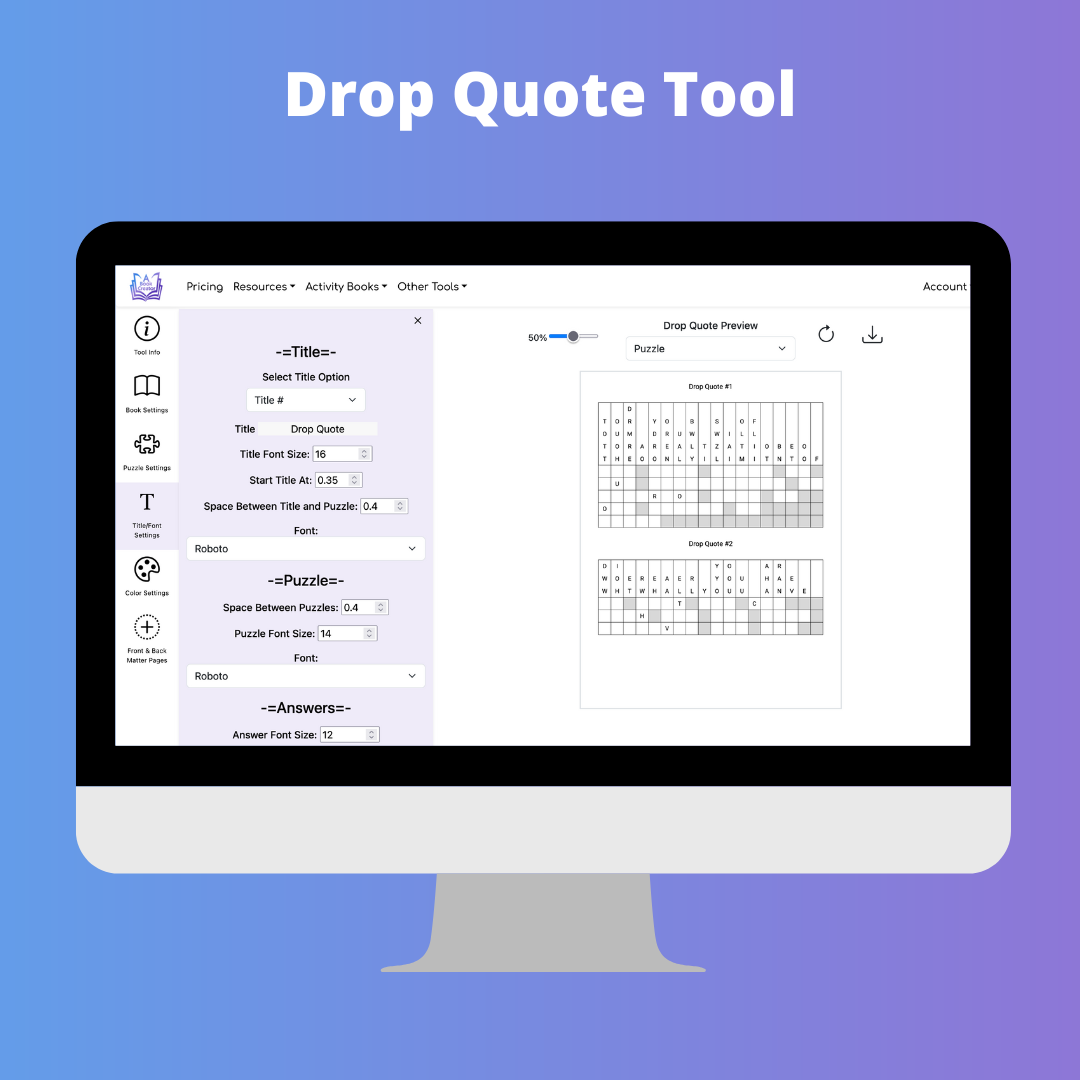
Drop Quote Puzzle Tool

The Drop Quote Tool gives you the ability to create drop quote puzzle books.

Features:

  • Set the title for each puzzle
  • Enter the phrases for each puzzle
  • Select number of letters across for puzzle
  • Option to include hint letters in puzzle
  • Option to create interactive PDF for Kindle Scribe
  • Save and load settings
  • Select font, font size, and color for all text

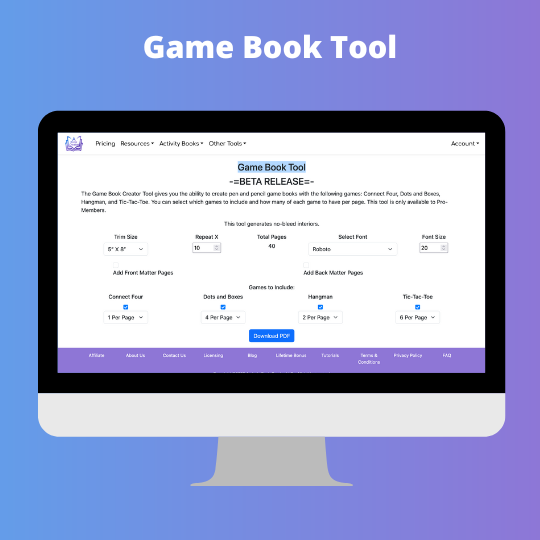
Game Book Tool

The Game Book Tool gives you the ability to create pencil and paper games books.

    Features:
  • Option to include Four In A Row, Dots and Boxes, Hangman, SIM, and/or Tic-Tac-Toe games.
  • Option to alternate between games
  • Option to create interactive PDF for Kindle Scribe
  • Select font, font size and color for all text
  • Select size and color for all lines and dots on the game page
  • Select spacing between all elements on the game page
  • Customize all text used on the game page
  • Save and load settings

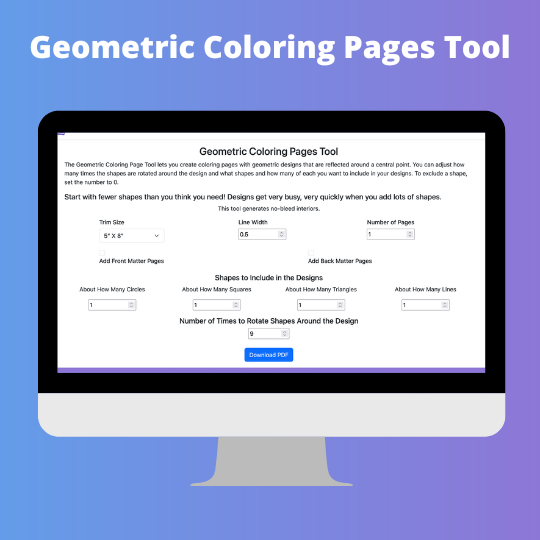
Geometric Coloring Pages Tool

The Geometric Coloring Page Tool lets you create coloring pages with geometric designs that are reflected around a central point.

Features:

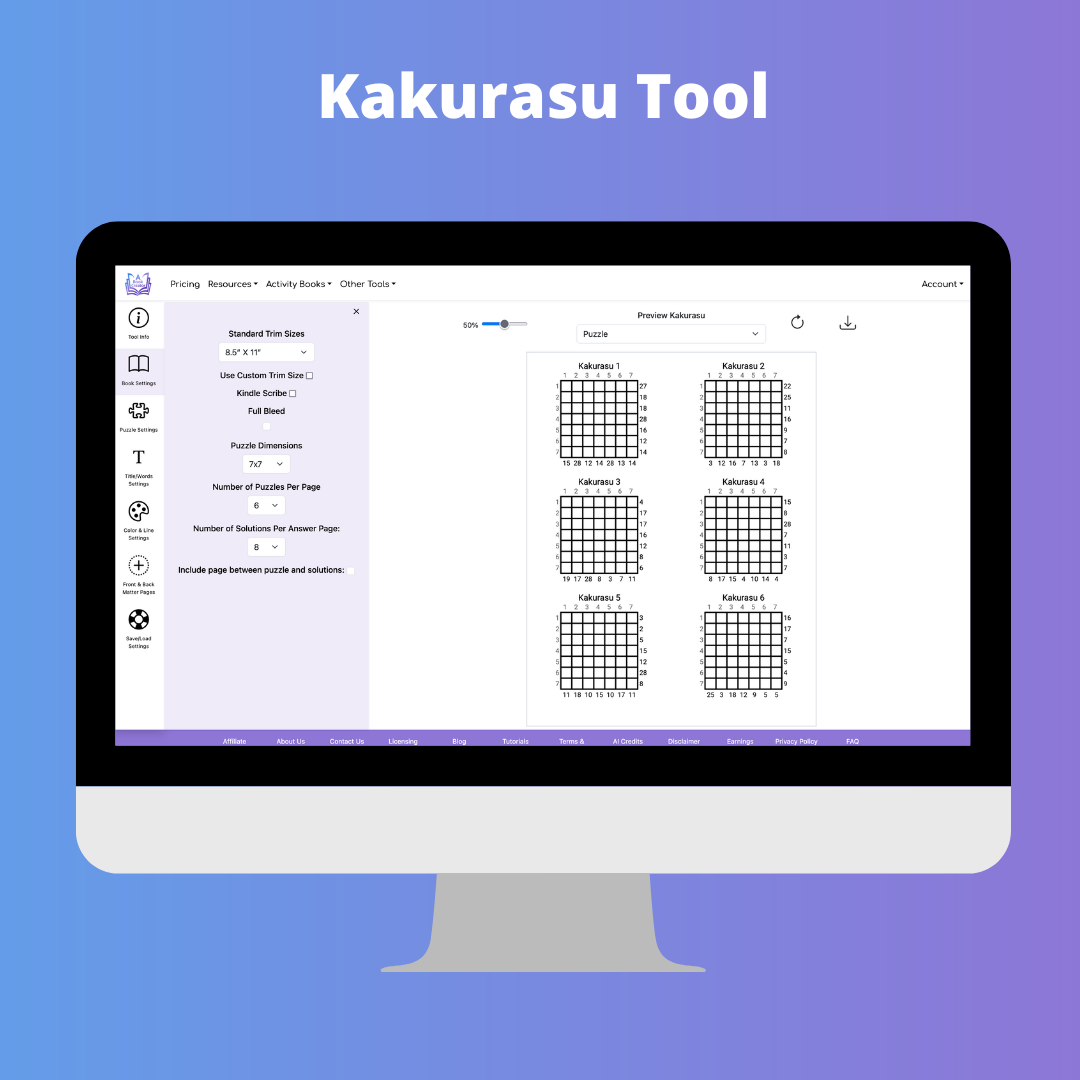
Kakurasu Puzzle Tool

The kakurasu Puzzle Tool gives you the ability to create a kakurasu puzzle books with varying levels of difficulty. Each puzzle is randomly created based on the difficulty level.

Features:

  • Choose the grid size for the puzzle
  • Select between 1, 2, 4, 6 or 8 puzzles per page
  • Select between 1, 2, 4, 6 or 8 answers per page
  • Option to create interactive PDF for Kindle Scribe
  • Specify number of puzzles for each difficulty levels
  • Customize difficulty levels names
  • Customize title and title location
  • Select font, font size and color for all text
  • Save and load settings

Mandala Tool

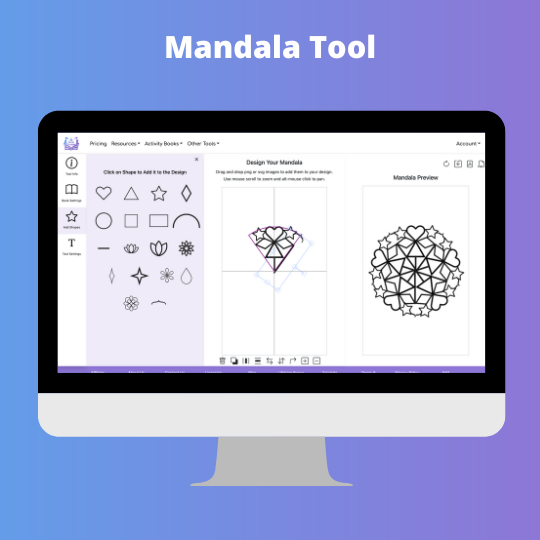
The Mandala Tool allows you to create mandala type coloring pages.When you select the number of rotations, you will see a "pie slice" that represents the area available to place images for that number of rotations. You can create a regular coloring page by selecting one rotation. Selecting 2 rotations will mirror your design on the other side of the page.

Features:

  • Select the number of rotations for your mandala
  • Add your own png or svg images to the design
  • Add a title to your mandala page
  • Add text to your mandala design
  • Enter the words for each puzzle
  • Pick from a selection of shapes to create your mandala
  • Select font and font size for all text on the page
  • Drag and drop your own png and svg files to add them to your design

Math Mazes Puzzle Tool

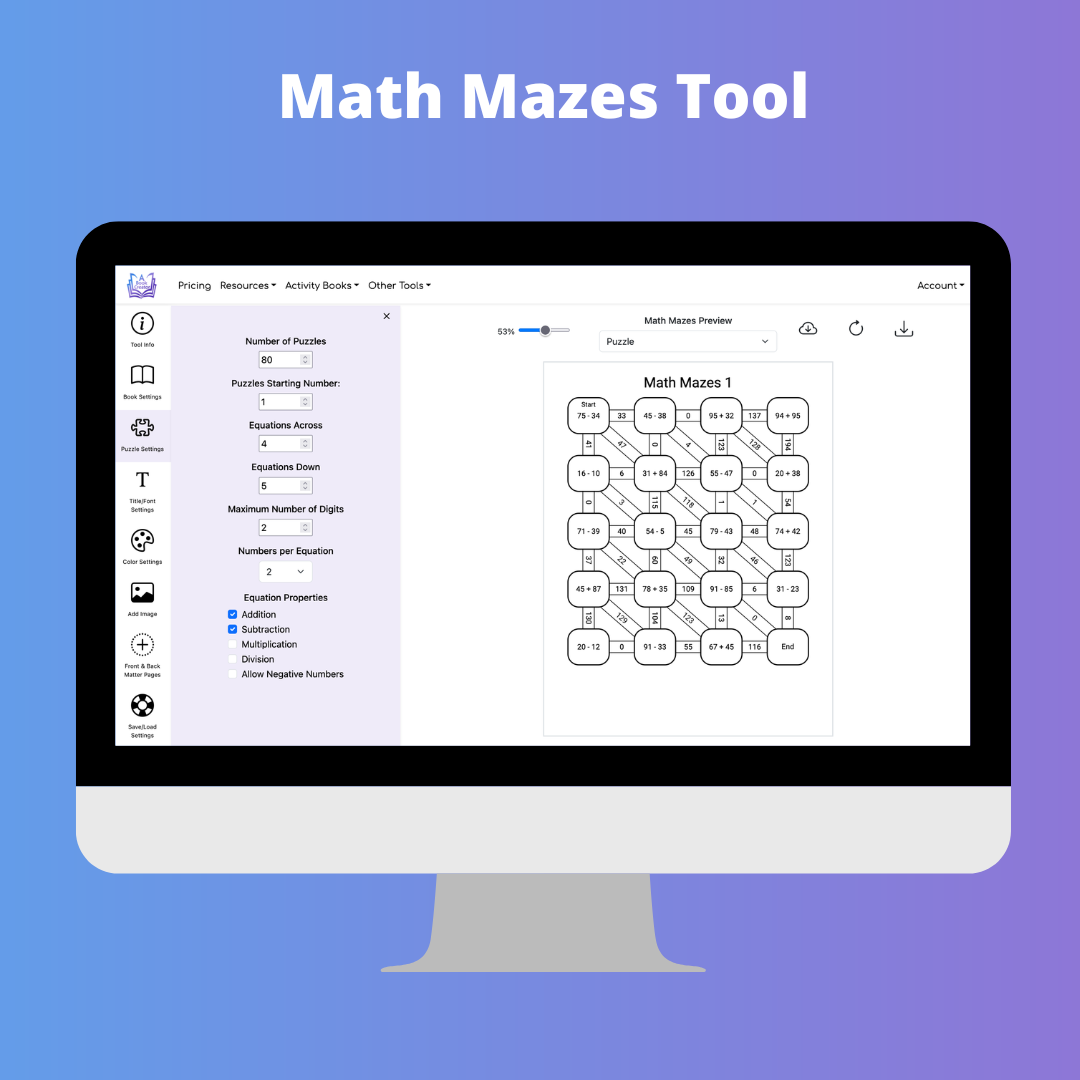
The Math Mazes Puzzle Creator Tool gives you the ability to create math maze puzzle books with customizable equations and answer paths.

Features:

  • Select the number of equations across and down
  • Choose maximum number of digits and numbers per equation
  • Select addition, subtraction, multiplication, division, negative numbers, and parentheses options
  • Customize start and end text for different languages
  • Choose between 1, 2, 4, 6, or 9 puzzles per answer page
  • Option to create interactive PDF for Kindle Scribe
  • Select fonts, font sizes, colors, rectangle rounding, and answer path color
  • Save and load settings

Maze Puzzle Tool

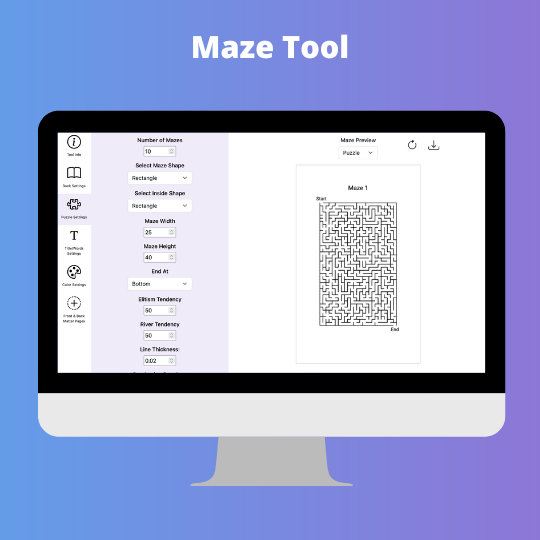
The Maze Puzzle Creator Tool gives you the ability to create maze puzzle books.

Features:

  • Select the height and width of the maze
  • Select maze shape: rectangle, diamond, triangle, hexagon, or circle
  • Choose between 1, 2, or 4 puzzles per answer page
  • Choose difficulty level of puzzles
  • Option to create interactive PDF for Kindle Scribe
  • Select font, font size and color for all text
  • Customize text used on the puzzle page
  • Select line thickness for puzzle
  • Select start and end locations for maze
  • Option to end maze at the middle of the puzzle
  • Select Elitism and River Tendency for maze
  • Save and load settings

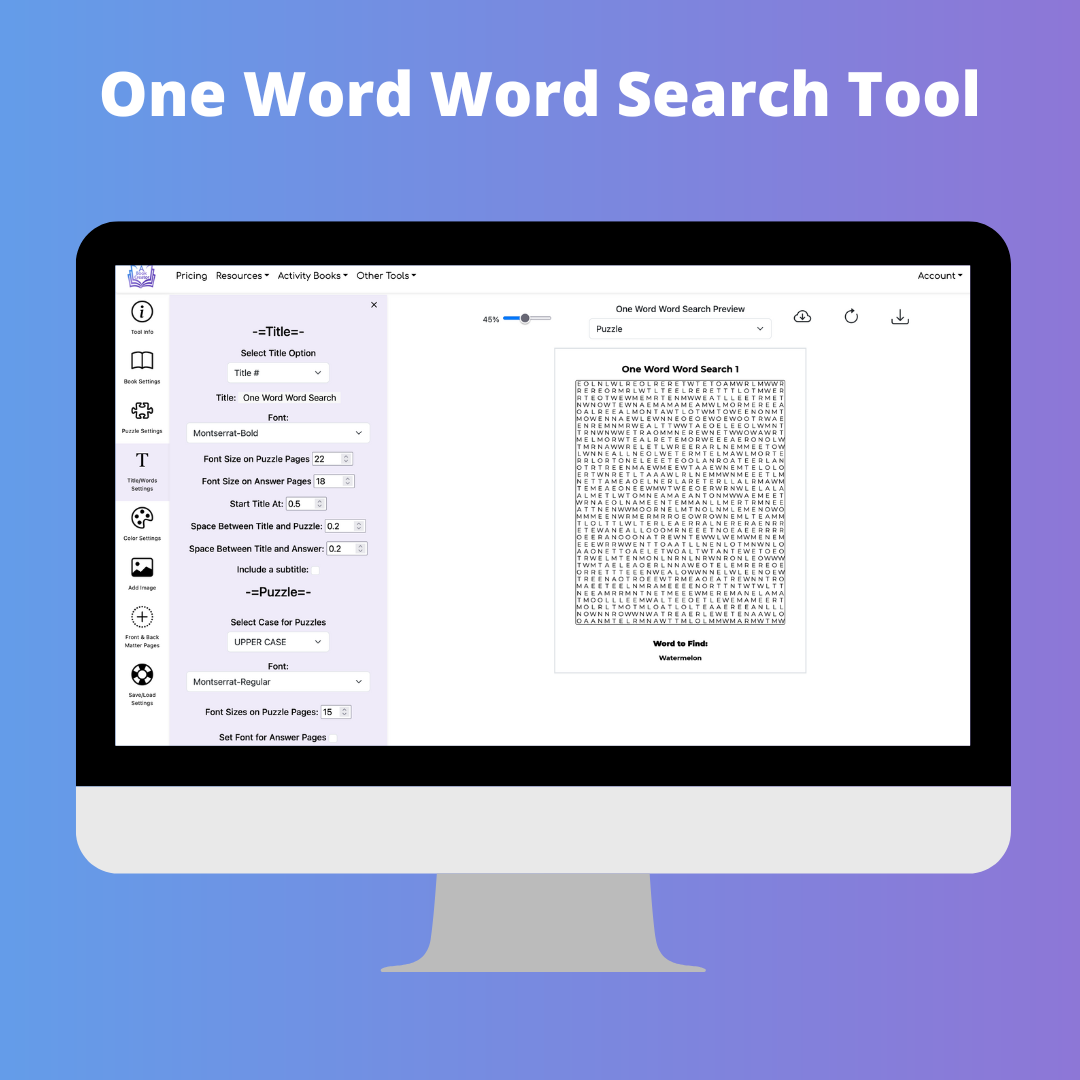
One Word Word Search Puzzle Tool

The One Word Word Search Puzzle Creator Tool gives you the ability to create one word word search puzzle books.

Features:

  • Select the number of letters across and down
  • Option to create interactive PDF for Kindle Scribe
  • Set the title for each puzzle
  • Enter the word for each puzzle
  • Create puzzles in any language
  • Option to have AI generate the word for each puzzle
  • Choose between upper case and lower case letters for your puzzles
  • Specify directions for words in the puzzles
  • Choose between 1, 2, 4, 6 or 9 puzzles per answer page
  • Select font, font size and color for all text
  • Save and load settings

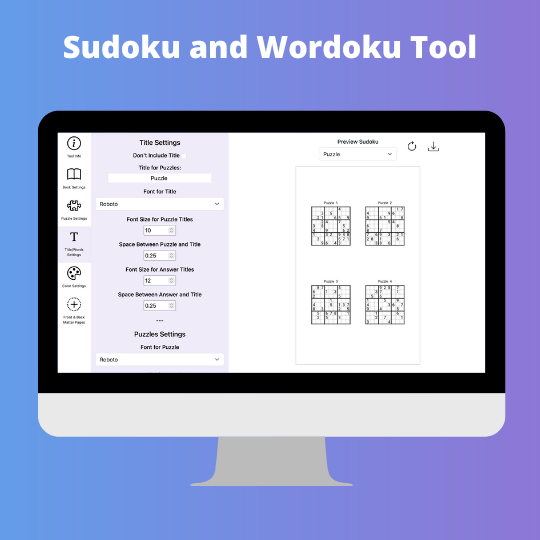
Sudoku and Wordoku Puzzle Tool

The Sudoku and Wordoku Puzzle Tool gives you the ability to create a sudoku and wordoku puzzle books with varying levels of difficulty. Each puzzle is randomly created based on the difficulty level.

Features:

  • Choose between 4x4, 6x6, or 9x9 puzzles
  • Select between 1, 2, 4, 6 or 8 puzzles per page
  • Select between 1, 2, 4, 6 or 8 answers per page
  • Select between number sudoku, letter sudoku, color sudoku, or worduko puzzles
  • Specify number of puzzles for each of 6 difficulty levels
  • Optionally display the difficulty level
  • Customize difficulty levels names
  • Customize title and title location
  • Add an image to puzzle pages
  • Option to create interactive PDF for Kindle Scribe
  • Save and load settings
  • Select font, font size and color for all text

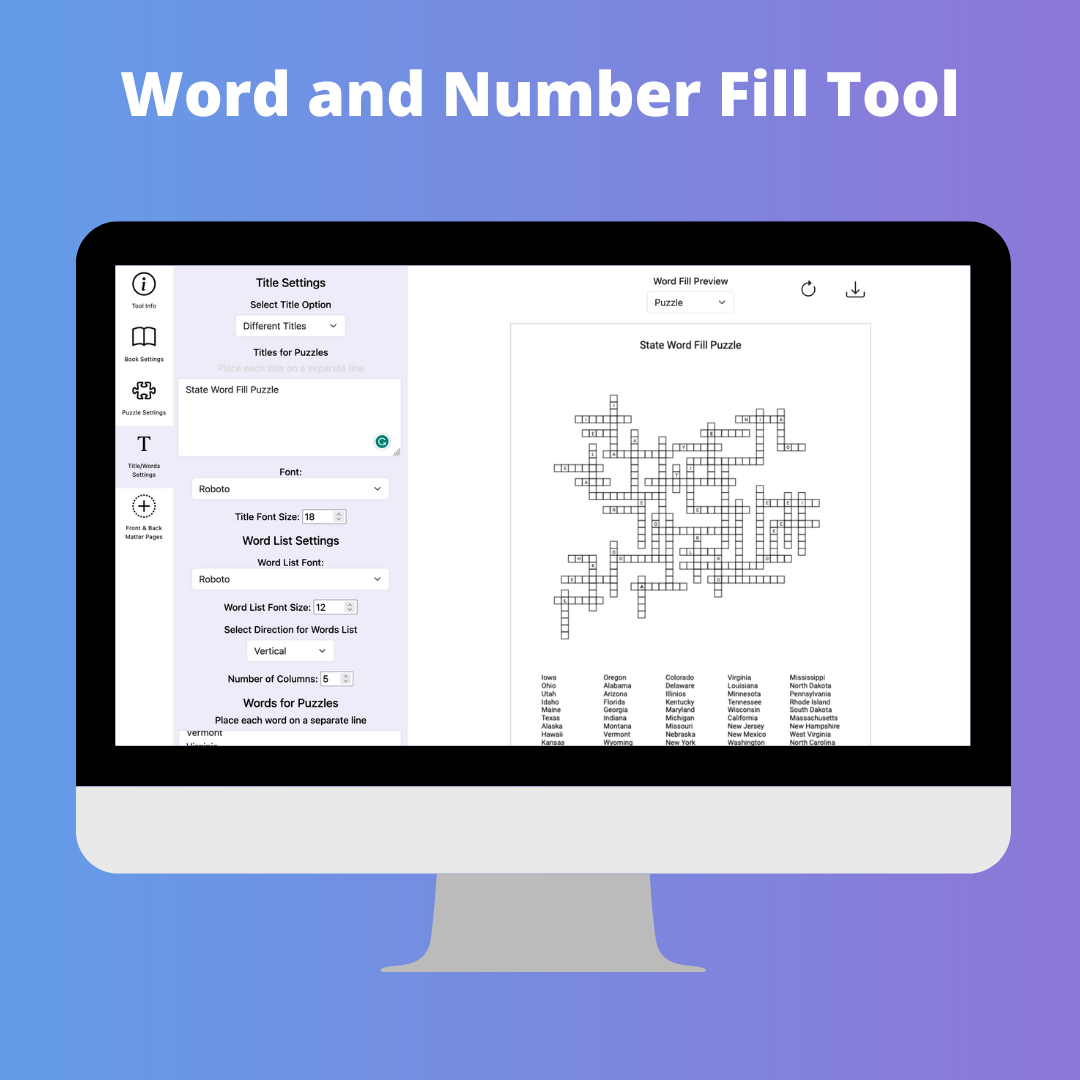
Word and Number Fill Puzzle Tool

The Word and Number Fill Puzzle Creator Tool gives you the ability to create fill in puzzle books.

Features:

  • Select the width and height of the puzzle
  • Set the number of columns for the word list
  • Choose between a word fill or number fill puzzle
  • Option to have AI generate words for each puzzle
  • Choose bettwen 1, 2, or 4 puzzles per answer page
  • Select font and font size for all text
  • Specify title for puzzles
  • Select percentage of page to use for puzzle
  • Option to create interactive PDF for Kindle Scribe
  • Save and load settings

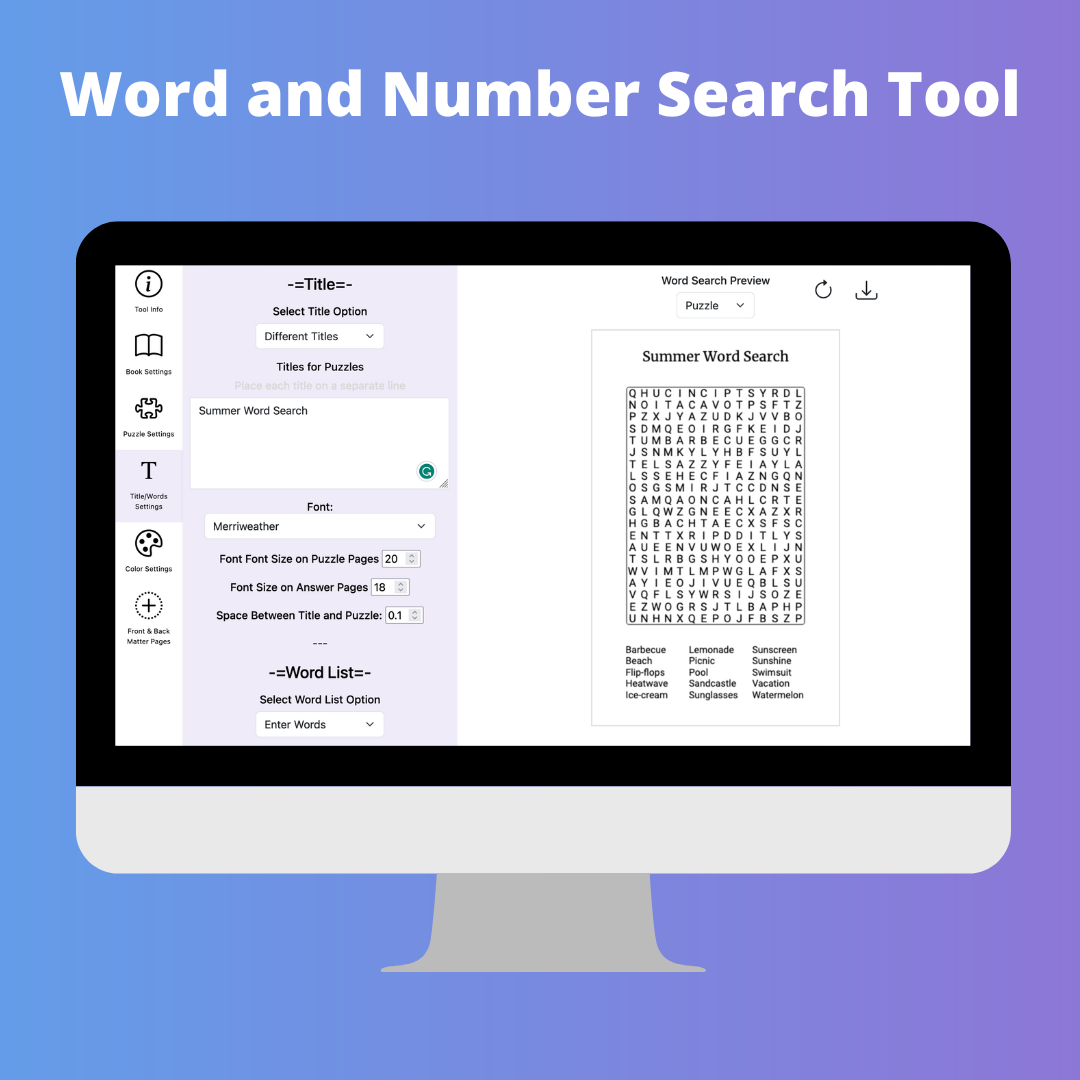
Word and Number Search Puzzle Tool

The Word and Number Search Puzzle Creator Tool gives you the ability to create word search puzzle books.

Features:

  • Select the number of letters across and down
  • Select the number of words per puzzle
  • Choose between a word search or number search puzzle
  • Option to create interactive PDF for Kindle Scribe
  • Set the title for each puzzle
  • Set the number of columns for the word list
  • Option to center words in the word list columns
  • Enter the words for each puzzle
  • Option to print clues or blank lines instead of the word list
  • Enter letters to exclude from the search grid
  • Enter letters to include in the search grid
  • Option to create missing-vowel puzzles with blank circles
  • Option to add hidden phrases in unused grid spaces
  • Create puzzles in any language
  • Option to have AI generate words for each puzzle
  • Choose between upper case and lower case letters for your puzzles
  • Specify directions for words in the puzzles
  • Choose between 1, 2, 4, 6 or 9 puzzles per answer page
  • Select font, font size and color for all text
  • Save and load settings

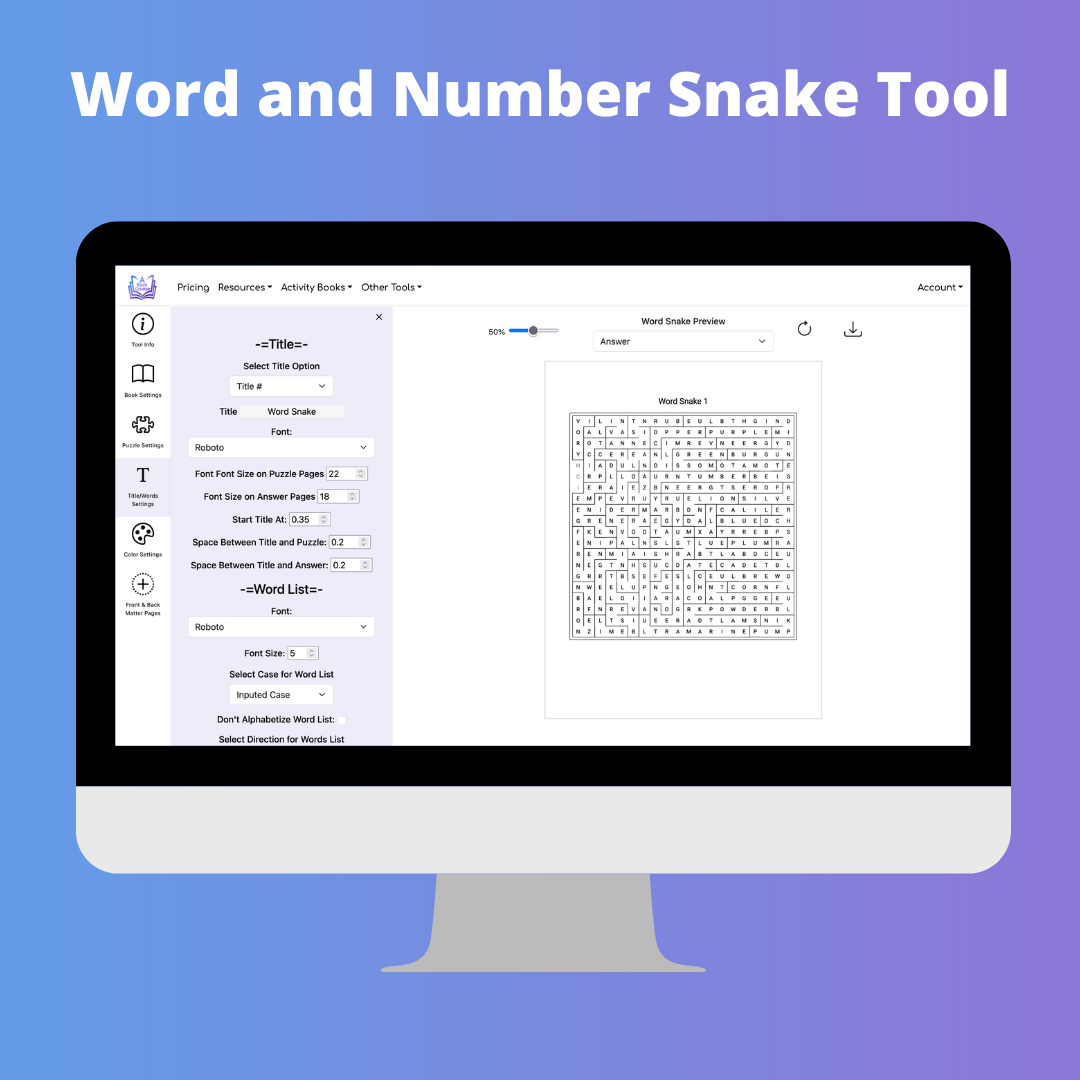
Word and Number Snake Tool

The Word and Number Snake Puzzle Creator Tool gives you the ability to create word scramble puzzle books.

Features:

  • Select the number of letters across and down
  • Select the number of words per puzzle
  • Choose between a word snake or number snake puzzles
  • Set the title for each puzzle
  • Set the number of columns for the word list
  • Enter the words for each puzzle
  • Enter letters to exclude from the search grid
  • Enter letters to include in the search grid
  • Create puzzles in any language
  • Choose between upper case and lower case letters for your puzzles
  • Choose between 1, 2, or 4 puzzles per answer page
  • Select font, font size and color for all text

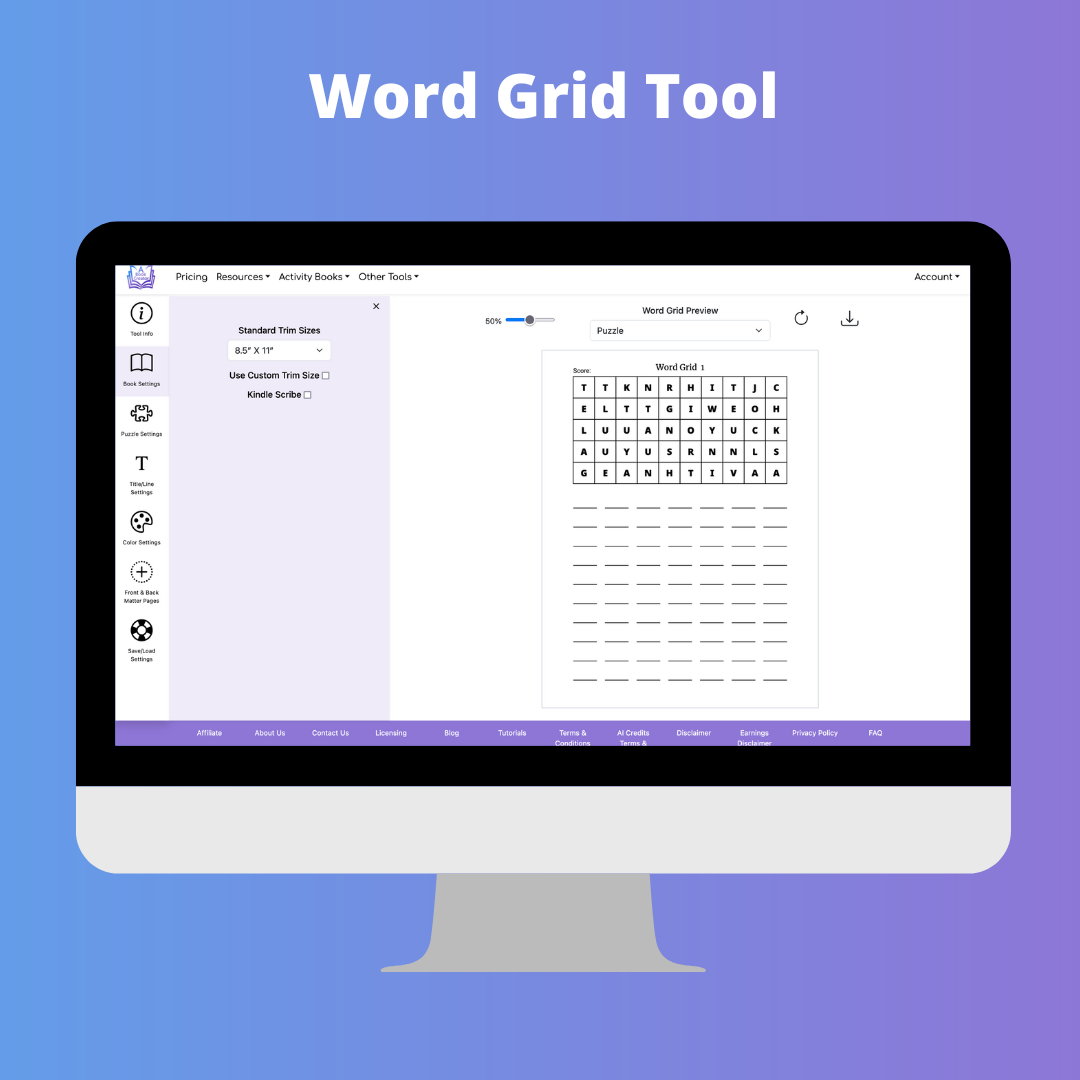
Word Grid Puzzle Tool

The Word Grid Tool gives you the ability to create drop quote puzzle books.

Features:

  • Select the width and height of the grid
  • Set the number of columns and rows for the answer list
  • Select font and font size for all text
  • Specify text and placement for the score
  • Specify title for puzzles
  • Select number of answer lines
  • Select size for answer lines and grid lines
  • Select color for all items on page
  • Select percentage of page to use for puzzle
  • Option to create interactive PDF for Kindle Scribe
  • Save and load settings

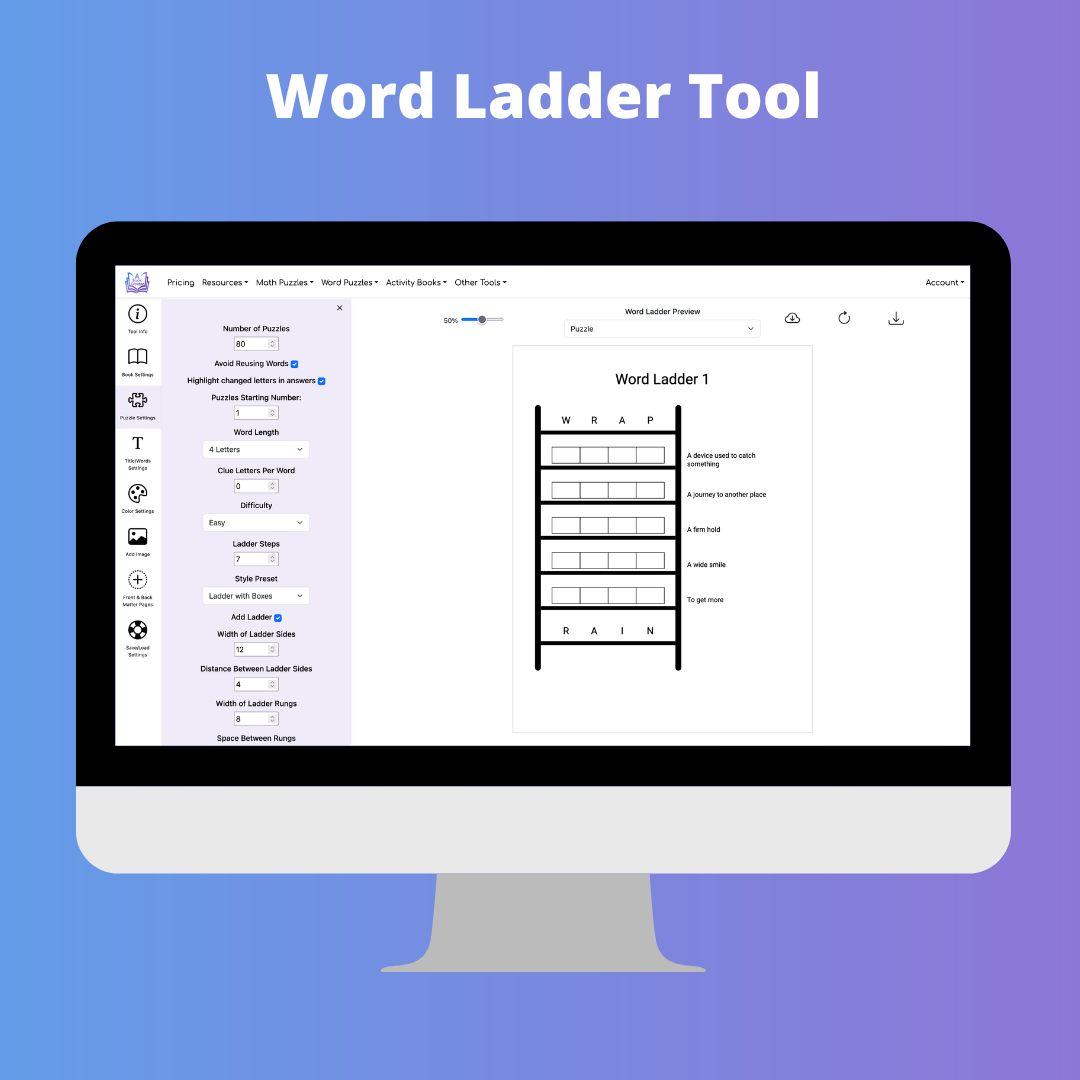
Word Ladder Puzzle Tool

The Word Ladder Puzzle Tool gives you the ability to create word ladder puzzle books where each step changes one letter to make a new word.

Features:

  • Select word length, difficulty, and ladder steps
  • Choose style presets for classic boxes, ladder boxes, ladder underlines, or minimal lines
  • Add clue letters, changed-letter hints, and definition clues
  • Customize ladder colors, widths, spacing, fonts, titles, and instructions
  • Add background images, including custom ladder artwork
  • Include answer pages with optional changed-letter highlighting
  • Save and load settings

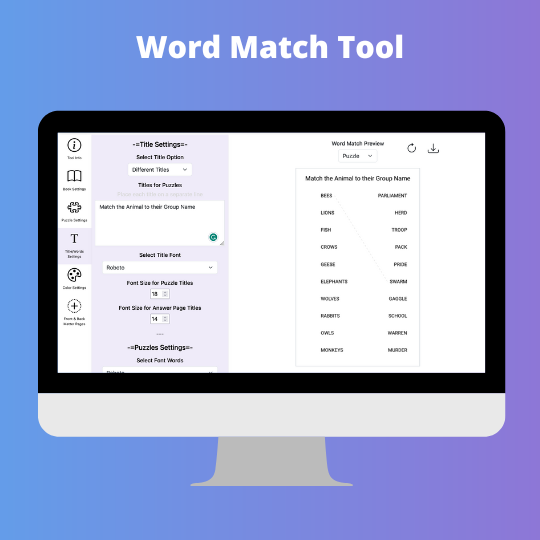
Word Match Puzzle Tool

The Word Match Puzzle Creator Tool gives you the ability to create word match puzzle books.

Features:

  • Select the number of words per page
  • Set the title for each puzzle
  • Enter the words for each puzzle
  • Choose between upper case and lower case letters for your puzzles
  • Choose between 1, 2, or 4 puzzles per answer page
  • Select font, font size and color for all text

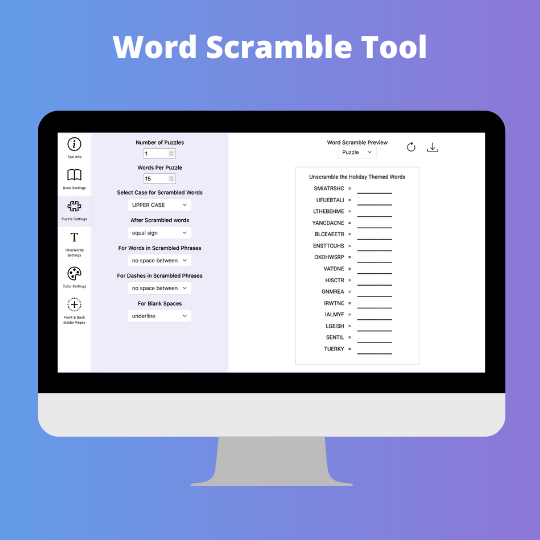
Word Scramble Tool

The Word Scramble Puzzle Creator Tool gives you the ability to create word scramble puzzle books.

Features:

  • Select the number of words per page
  • Set the title for each puzzle
  • Enter the words for each puzzle
  • Choose between upper case and lower case letters for your puzzles
  • Choose between 1, 2, or 4 puzzles per answer page
  • Select font, font size and color for all text

Copyright ©2026 Aududu Book Creator LLC - All rights reserved